Creating and Managing Place Alerts
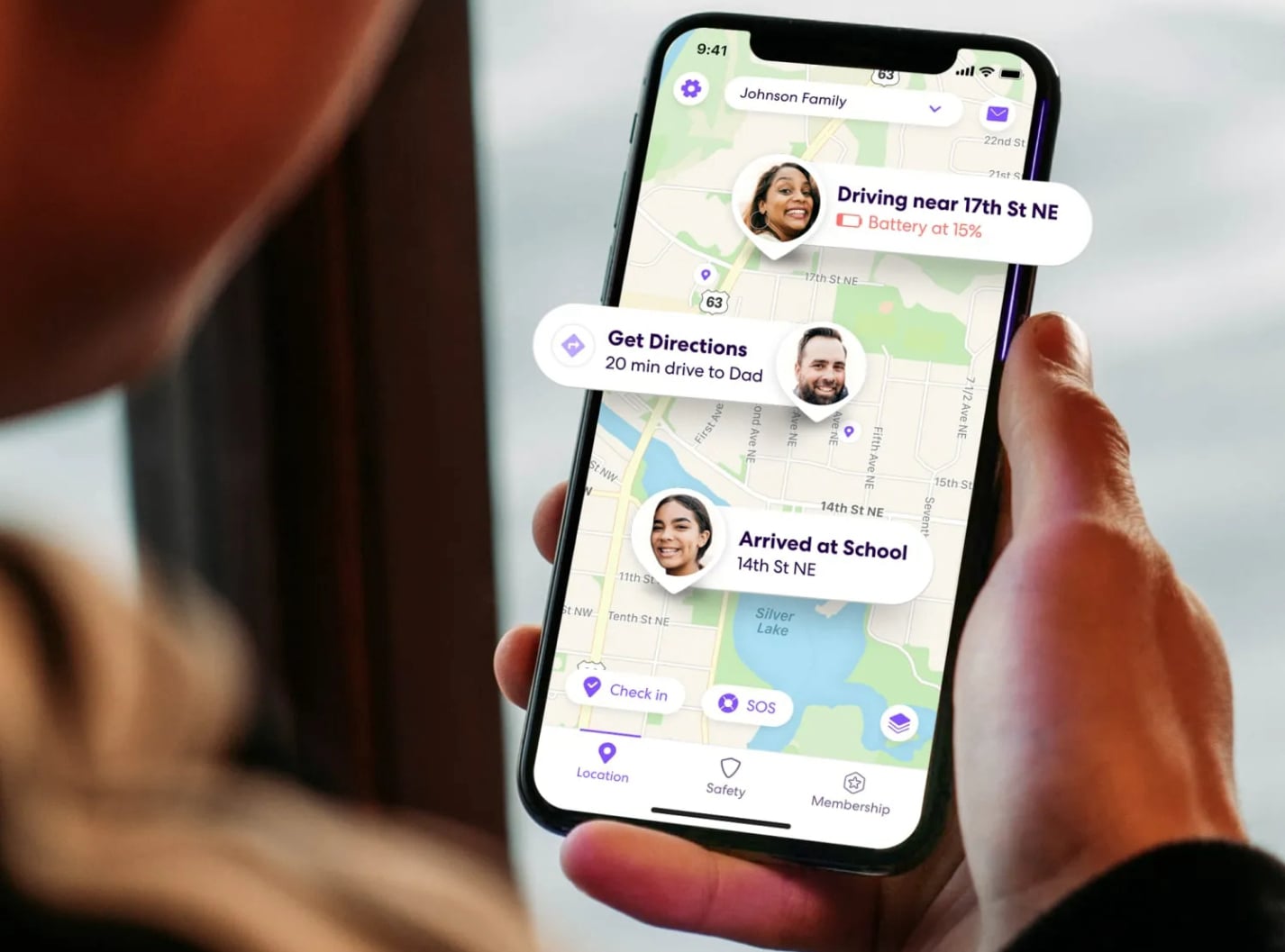
A “place” is any geographic area you define – home, school, gym, or office. You can add a place by tapping the “+” button and entering an address. Then you set a radius (from 100 meters to several kilometers). The app will notify you when a circle member enters or leaves that radius. You can also name each place for easy reference.
Each place can have its own alert rules for different members. For example, you might want arrival alerts only for your children at school. Or you might want departure alerts for your spouse from work. These settings are accessible from the place’s management page. You can edit or delete places at any time. The changes take effect immediately for all circle members.
Remember that too many active places can increase background processing. Consider removing places you no longer use. Also, overlapping radii may cause multiple notifications for the same event. Keep your place list organized by naming them consistently. With a clean setup, place alerts become a reliable tool for daily coordination.