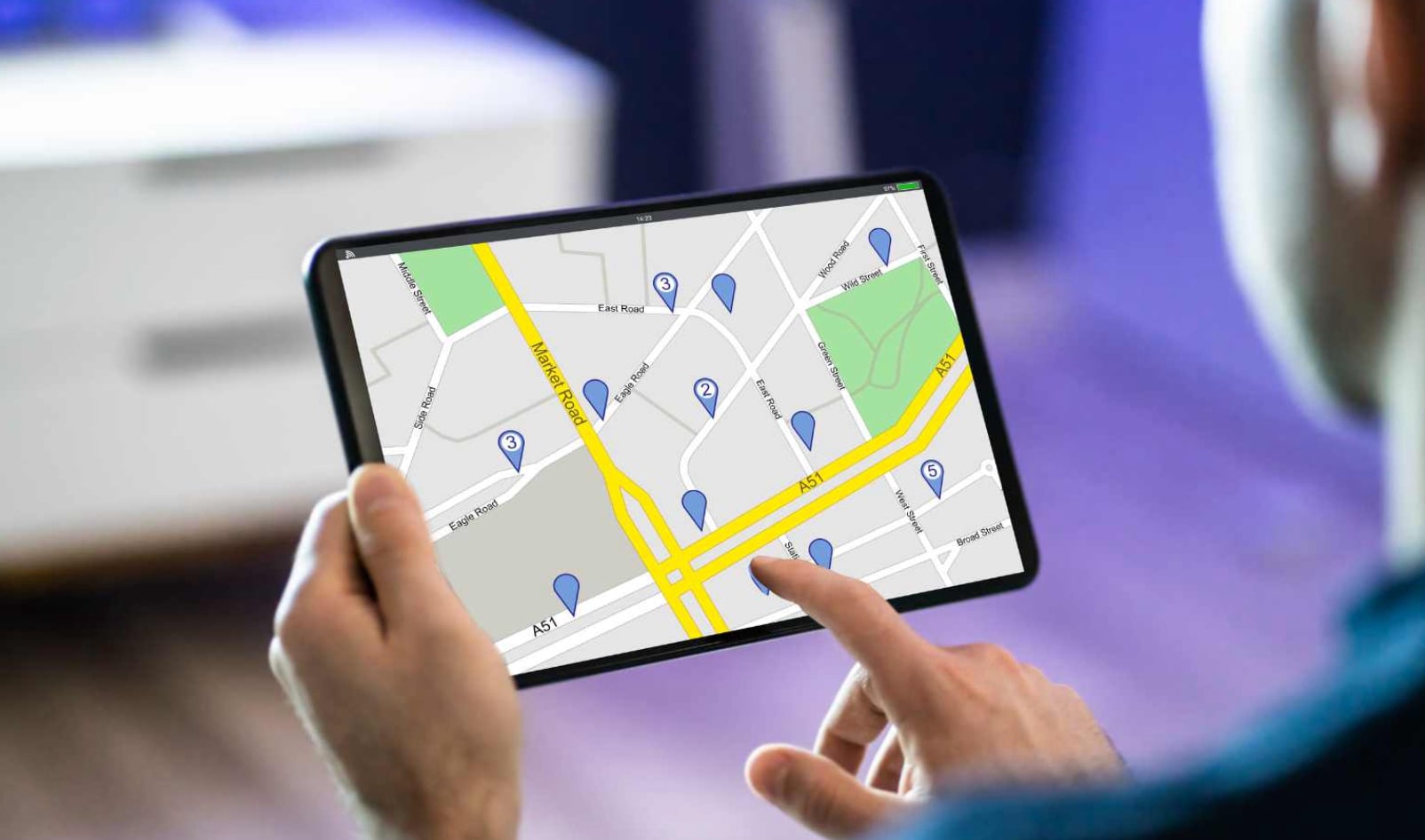
Improving Location Accuracy
Location accuracy depends on several factors: satellite visibility, building density, and network quality. Life360 combines GPS, Wi‑Fi, and cell tower data to determine your position. In open areas, GPS alone provides the best results. Inside buildings or underground, the app relies more on Wi‑Fi and cellular signals. This hybrid approach balances accuracy and speed.
To improve accuracy, enable “High accuracy” mode in your Android location settings. This allows Life360 to use all available sensors. Also, ensure your device has a clear view of the sky when possible. Avoid using thick phone cases that might interfere with GPS antennas. Restarting the app can refresh the location connection if you notice persistent errors.
If you see a member’s location jumping unexpectedly, check their network status. Poor connectivity often causes delayed or incorrect updates. Encourage circle members to keep their Wi‑Fi and mobile data on. The app also offers a “Refresh location” button within each member’s profile. Tapping it forces a new fix and can resolve temporary inaccuracies.