Battery Optimization Tips
Location services are among the most power‑hungry features on any smartphone. Life360 uses GPS and network positioning to update your location periodically. The frequency of updates affects battery life directly. You can adjust the update interval in the app’s advanced settings. However, longer intervals may reduce the accuracy of real‑time tracking.
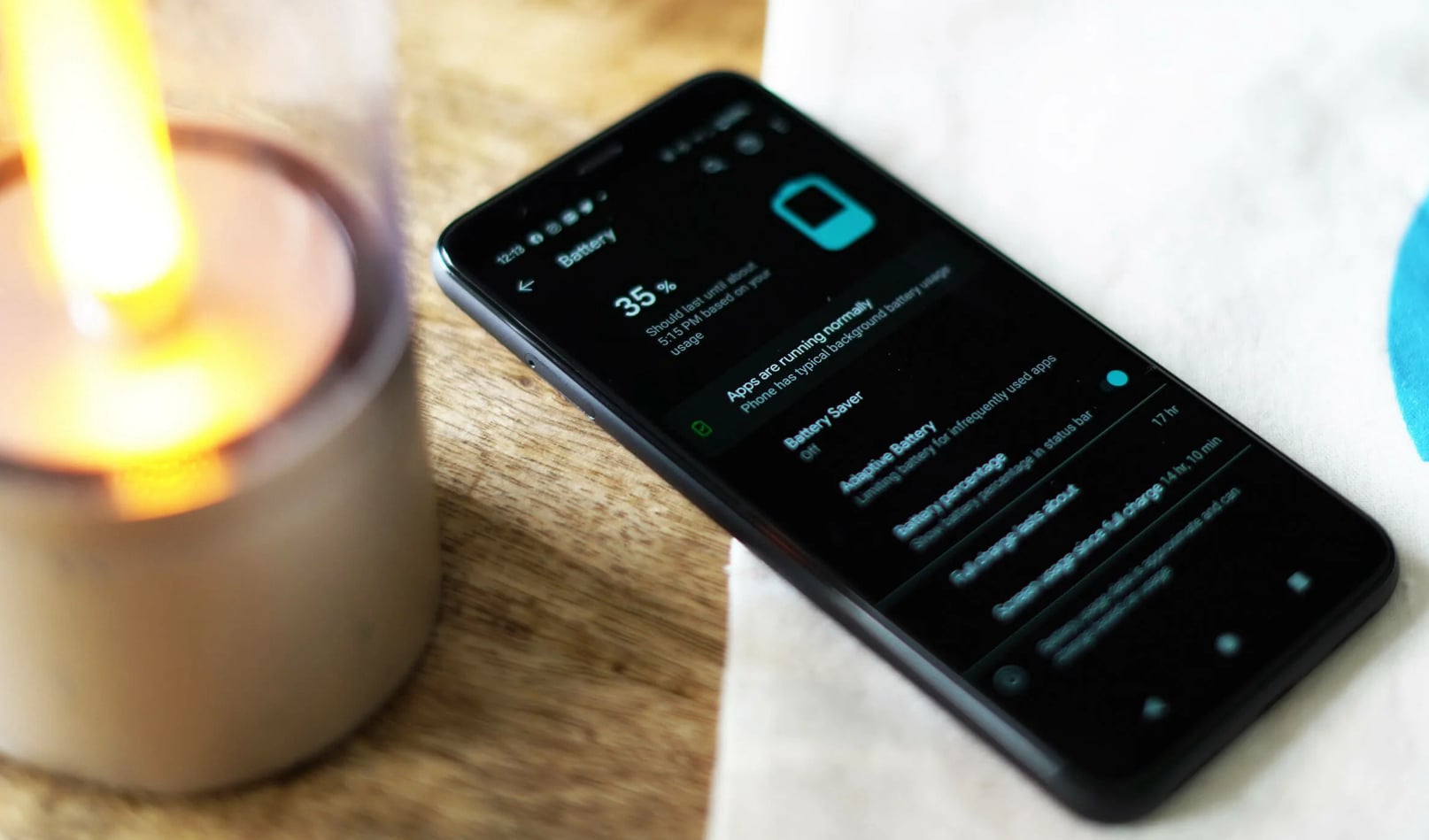
Android offers built‑in battery optimization for each app. Navigate to your device’s battery settings and select Life360 from the list. Choose “Optimized” instead of “Unrestricted” to save power. The app will still function but may refresh less often in the background. This trade‑off is acceptable for most everyday scenarios.
Another practical step is to turn off Wi‑Fi and Bluetooth scanning when not needed. These features are separate from GPS but consume additional energy. Life360 can operate with only GPS enabled. Also, reduce the number of saved places that trigger alerts – each active place increases background activity. Following these tips can extend your battery life significantly.